
Where exactly is AI headed right now?
Study, AI ·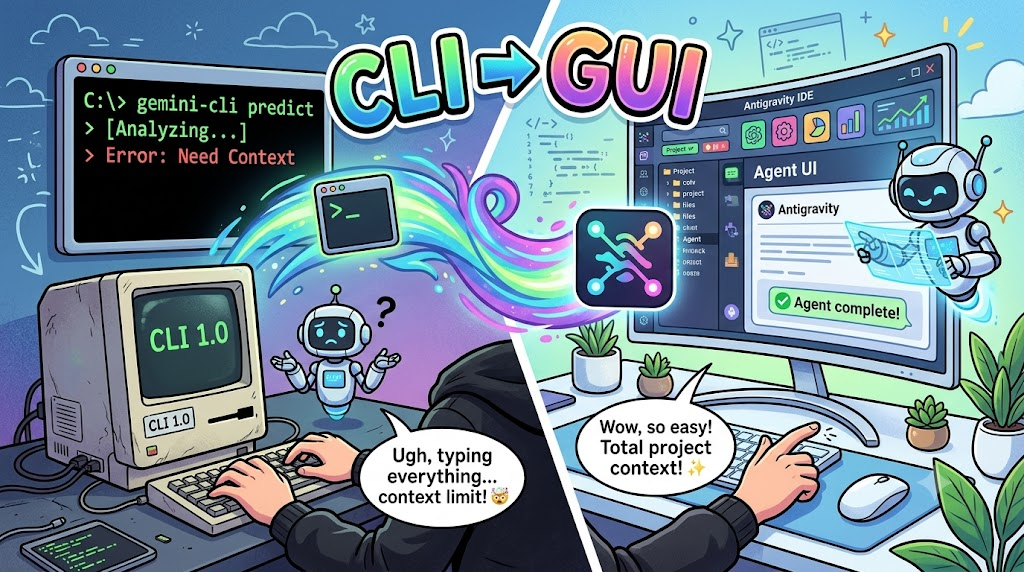
As of June 18, “Gemini CLI” entered Google’s graveyard.
Instead, Google started pushing us to use “Antigravity.” Just like the “Codex app” and “Claude Desktop.”
They even split the VS Code-style app into “Antigravity IDE,” turned “Antigravity” into an agent app, and separated the existing IDE as “Antigravity IDE.”
Of course, what they all have in common is that they are “GUI-based Desktop Apps.”
The Evolution of AI Platforms
When you think about it, the main platform for AI tools has been changing.
Web platform → IDE + AI → CLI → GUI-based Desktop App
1. The Birth and Prosperity of the Web Platform
On November 30, 2022, a technology that would change the world was released. The thing called “Chat GPT.” Of course, “Claude” and “Gemini” also came into the world.
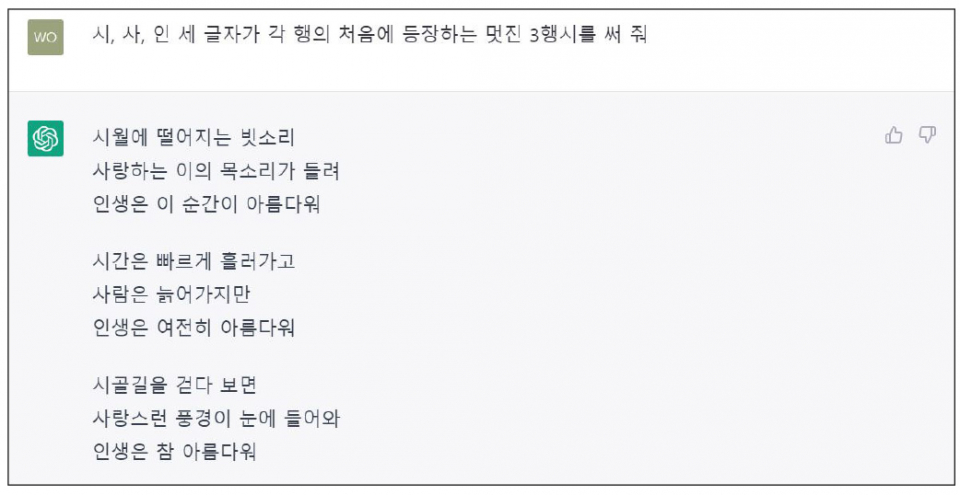
We used to enter prompts on those websites, copy and paste the code generated by AI, and then modify it to fit our own code.
As soon as the code got even slightly long, the context limit would get in the way, and switching back and forth between screens became annoying.
Developers began to think: “I don’t want to keep switching screens…”
2. Native Integration of IDEs and AI
After that, several tools appeared.
GitHub Copilot, Cursor, and others came out. To solve the inconvenience of switching screens mentioned earlier, they pulled AI directly into the development tool.
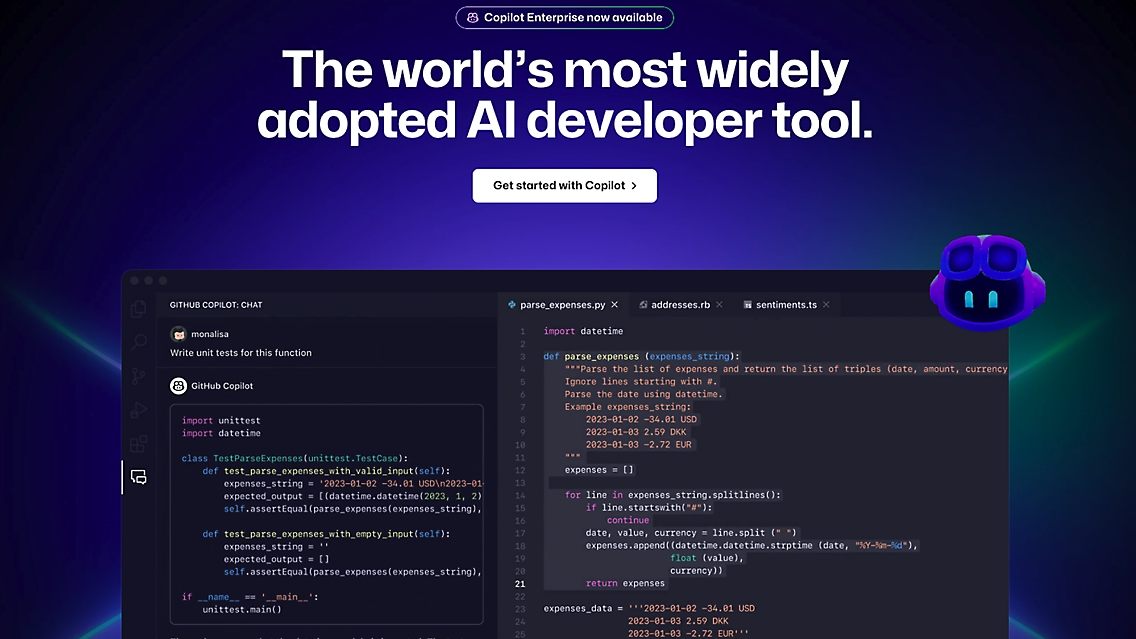
Copilot started auto-completing code, and Q&A became possible inside the tool. Soon after, these tools were also able to modify code directly.
However, this paradigm was still trapped inside the “IDE editor window,” and it remained limited when it came to runtime control or executing system commands.
3. Terminal Liberation and CLI Automation
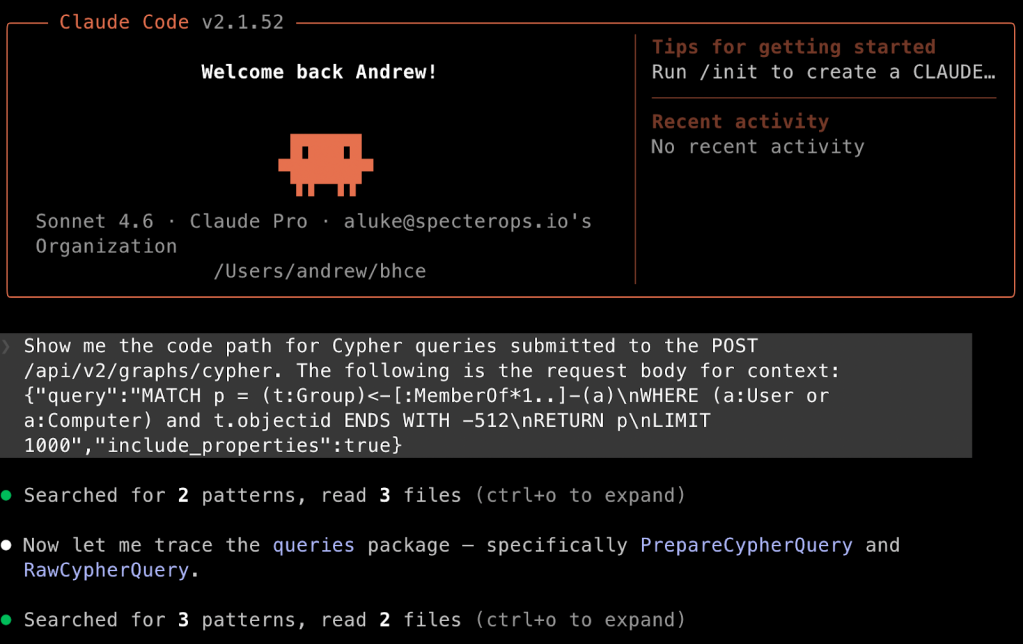
These are probably the most popular tools right now: “Claude Code,” “Codex CLI,” and so on. One of their strengths was that they ran in the terminal, which developers are very familiar with.
The idea was: “It’s not enough to stay inside the IDE tool window,” so AI came out into the terminal. Developers got a taste of powerful automation, where AI could scan the entire directory, run tests with a single command, and install packages.
But the downsides were also clear. The text-based structure of the terminal made it difficult to visually check results such as UI/UX, and it had limitations when performing complex asynchronous multi-agent orchestration.
Various methods emerged to resolve these issues, but the flow moved on to the next phase.
4. GUI-Based Desktop Agents
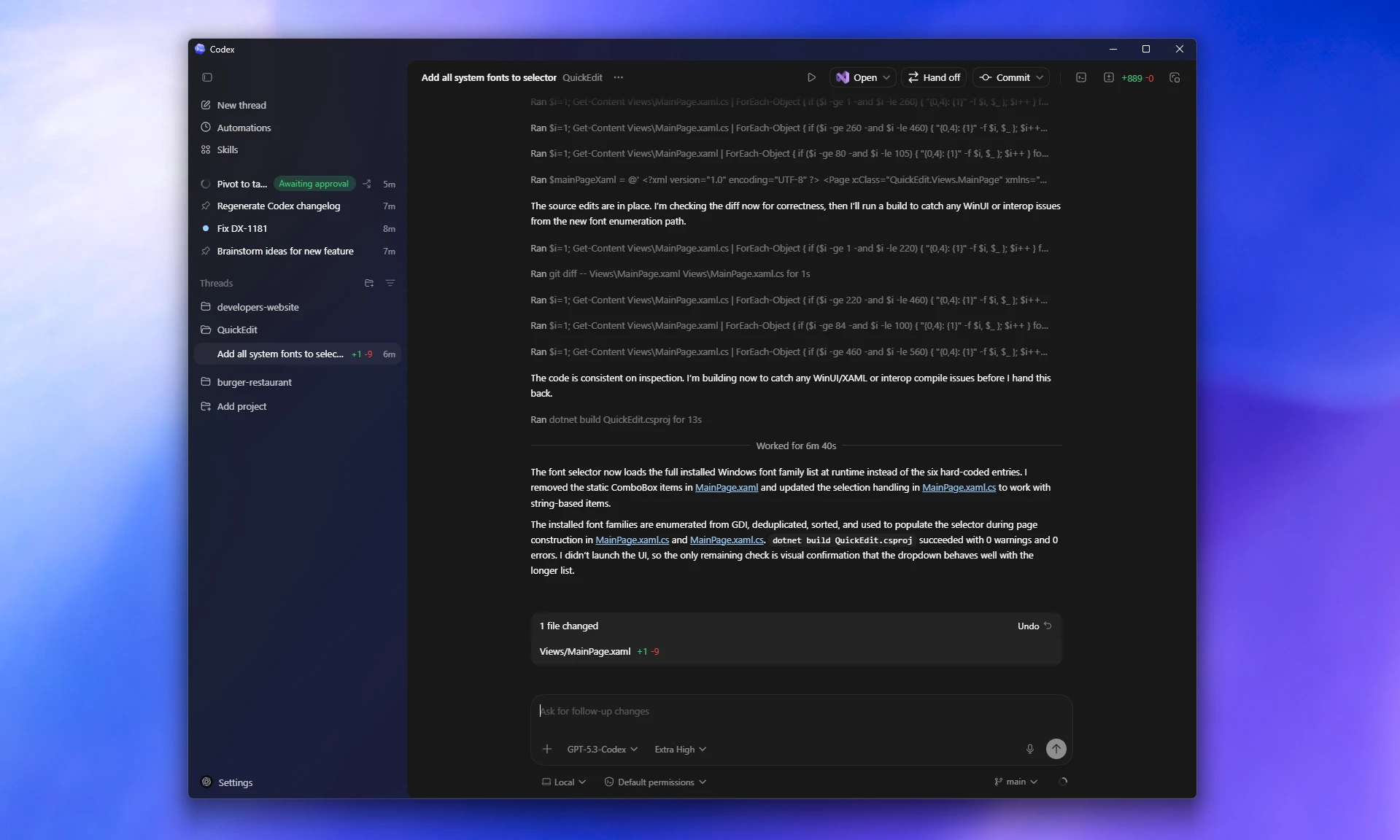
Recently, Google completely shut down the open-source “Gemini CLI” service and began pushing “Antigravity,” a desktop agent.
“Codex App” and “Claude Desktop” also appeared. Oh, and Cursor is also putting more weight behind Agent mode, so GUI tools are gradually increasing.
Their defining feature is that they have their own sandbox, can wrap a browser to run UI tests, and can directly manipulate independent background tasks.
CLI Is Good Too, But…
Of course, I still use CLI tools as my main tools. You should use whatever tool fits your own style.
But let’s take a closer look at why GUI desktop tools have become popular.
1. An Agent Is More About “Task State” Than “Terminal Commands”
In a CLI, you give a command like this:
"Run the tests, find the cause of the failure, and fix it."
But internally, an agent roughly works like this:
Understand requirements
→ Explore the codebase
→ Create a modification plan
→ Modify files
→ Run tests
→ Analyze failures
→ Modify again
→ Suggest a diff
→ Create a commit/PR
But many of you have probably experienced this. Tracking each of these steps one by one in a terminal is quite difficult.
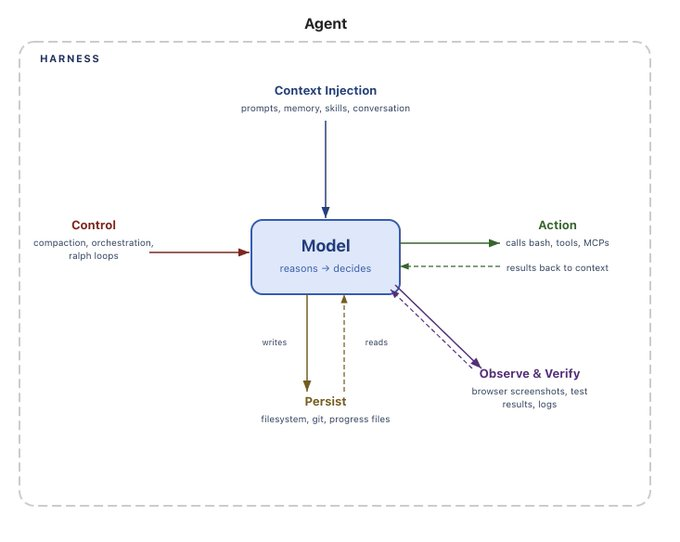
On the other hand, a GUI is better at showing which files were changed, which tests failed, which diff needs approval, and where the process stopped. So a GUI is not just a simple UI. It becomes closer to an agent harness, meaning an execution environment for monitoring and controlling agents.
2. Trust and Control Become Much Easier
When developers — not vibe coders — hand code over to AI, the biggest source of anxiety is: “What exactly did it change?” Since the result is mostly text-based, reviewing changes usually requires moving over to git diff or the IDE.
But GUI agents are different.
| Need | CLI | GUI/IDE Agent |
|---|---|---|
| Review modification plan | Check via text | Plan review UI |
| Check changes |
git diff, or check separately in IDE |
Side-by-side diff |
| Accept/reject | Enter prompt/command | Accept/reject with buttons |
| Reference files | Manually enter paths | Select files/lines, @mention |
| Revert | git reset/checkout | Checkpoint/rollback |
| Track multiple tasks | Multiple terminal sessions | Task cards/tabs/dashboard |
For example, Claude Code’s VS Code extension allows you to review and edit Claude’s plan, mention selected files/lines, and approve or reject suggested changes through a side-by-side diff. Of course, desktop apps do similar things as well.
This is a form that makes the workflow easier to control than CLI.
One of my teammates said that being able to check file changes was one of the biggest reasons.
3. The Target Expands from Developers to the Entire Development Organization
CLI is great for developers and power users. But if AI companies want to make money, they need to bring in not only developers, but also teams, enterprises, and non-developer roles.
The reasons GUI is needed are roughly as follows.
- Easier for junior developers to approach
- Easier for PMs, designers, and QA to check task status
- Easier for team leads to review PRs created by AI
- Easier for security teams/admins to manage permissions, logs, and policies
- Looks like a “controllable tool” to enterprise customers
After all, GUI is much more natural for non-developers to use.
Still, CLI Is Good

CLI is not going away, and it continues to evolve. Recently, Claude Code has also become capable of running sub-agents on its own.
I think things may move in this direction going forward.
CLI = automation, power users, headless execution, CI/CD
GUI = review, approval, collaboration, progress tracking
Of course, both GUI and CLI can do all of these things, but I think the difference may come down to preference.
The reason AI companies are moving toward GUI-based agent tools is that AI coding is changing from “throwing prompts” into “delegating and managing work.”
This trend seems to be about how to take control of the agent harness.
AI performance has already been improved to a certain level, so the important products going forward may not be the ones that answer “Can AI write code well?” Instead, they may be the tools that are well-designed around whether AI can work safely, whether humans can intervene at the right moments, and whether the tool can naturally fit into a team’s development process.
Feedback is always welcome :)